Events
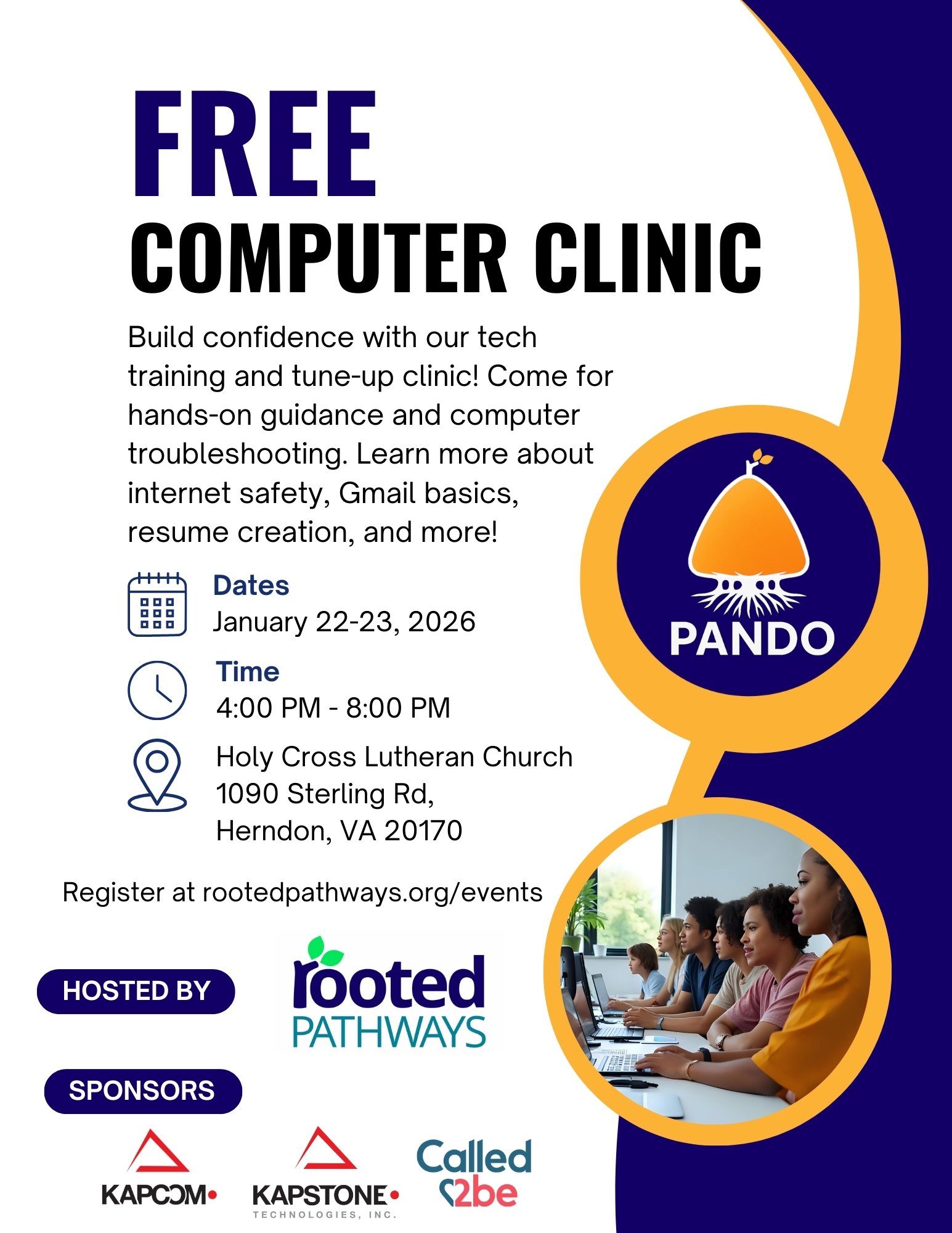
Tech Tune-up and Training Clinic | January 22-23, 2026
Classes
We are offering four, 45-mintue classes on January 22 and 23. Please see the dates, times, and class descriptions below. Laptops will be provided during class for hands-on experience. All sessions are free to attend, but registration is required and space is limited.
- January 22 and 23 – 4 PM – Productivity on Gmail and Google Calendars
- In this 45-minute lesson, students learn how to use Gmail and Google Calendar to communicate and stay organized. The class introduces how both tools work together under one Google account, then guides students through composing, replying to, and organizing emails in Gmail. Students also create and manage calendar events, set reminders, schedule recurring tasks, and share calendars to improve daily planning and time management.
- January 22 and 23 – 5 PM – Using Google Docs to create a resume
- Using Google Docs to create a resume guides students through creating a professional resume using Google Docs. Participants learn how to access templates, edit and format content, add links, proofread their work, and save or share their resume. The session highlights practical tools that help students create a polished resume ready for job applications.
- January 22 and 23 – 6 PM – Protecting your child on the internet
- Protecting your child on the internet helps parents and caregivers understand how to protect children online by increasing awareness of digital risks and promoting safe internet habits. Participants learn about common online dangers, practical protective tools such as parental controls and privacy settings, and effective ways to respond to online issues. The session emphasizes open communication, clear family internet rules, and active involvement to create a safer online environment for children.
- January 22 and 23 – 7 PM – Common computer safety practices
- Common computer safety practices introduces essential computer safety habits to help participants stay secure online. The session begins with a brief discussion of common online safety concerns and emphasizes the importance of being alert and proactive in digital spaces. Participants learn best practices for password management, including creating strong passwords, avoiding reuse, using password managers, and enabling multi-factor authentication. The class also covers how to identify phishing and scam emails by recognizing red flags and comparing real and fake messages. The session concludes with a review of additional safety topics such as antivirus software, software updates, and Wi-Fi safety. Participants receive a Computer Safety Checklist to reinforce safe computing habits beyond the classroom.
Events Registration
Register for one or more sessions. Space is limited. Laptops will be provided for use in the class.
Registration Closed
Drop-in Laptop Troubleshooting
Having trouble with your laptop? During our tech tune-up and training clinic, we’re offering an in-person help desk for laptop troubleshooting and support. Bring your laptop anytime between 4 PM and 8 PM on January 22 or 23, and two experienced techs will be available to help diagnose and resolve hardware issues and common problems. This support is free and no registration is necessary.
Our Sponsors
We are grateful to these sponsors for making this event free for anyone to attend!



About PANDO
The Pro-Active Navigation of Digital Objectives Program, or PANDO Program, is a series of four quarterly events where Rooted Pathways hosts educational events and charitable services, with curriculum covering various computer topics and providing services to consult and/or fix hardware for attendees.
The inaugural event is scheduled for January 22-23, 2026, with three other major events occurring throughout 2026, once per quarter, adding smaller community events and intensive where possible.
Rooted Pathways would like to see this educational initiative progress into collaborations with programs such as the Federal Surplus Personal Property Donation Program and Computers for Learning, which would allow Rooted Pathways to provide those in need with the means to accomplish the necessary tasks to propel both personal and professional growth.